When Apple started talking about building universal apps that run on both iPhone and iPad, I immediately thought of the universal binaries that were the cornerstone of the PowerPC to Intel transition. I just assumed that a universal iPhone and iPad app was technically just the same as a universal binary when in fact, this is not true.
While the PowerPC and Intel platforms are totally different and incompatible architectures, the iPhone and iPad are both based on the ARM architecture. That means that, unlike a universal PowerPC/Intel binary, a universal app in the iPhone OS sense does not need to consist of two separate binaries. After all, all devices can run the same code. And this is exactly what Apple is doing. A universal app is just a “normal” iPhone OS app with some special keys in its Info.plist.
The consequence of this for developers is that, because both versions run the same binary, you cannot use conditional compilation directives (#if ... #else ... #endif) to generate different code for iPhone and iPad. All device-type-dependent branching must happen at runtime. Apple recommends we use the new UI_USER_INTERFACE_IDIOM() macro for this:
if (UI_USER_INTERFACE_IDIOM() == UIUserInterfaceIdiomPad)
{
    // The device is an iPad running iPhone 3.2 or later.
}
else
{
    // The device is an iPhone or iPod touch.
}
And this works great. You set your project’s Base SDK to iPhone OS 3.2 and the Deployment Target to 3.0 or 3.1 and you can build and run this code for an iPad device or the iPad simulator (running 3.2) or an iPhone device (running 3.0/3.1). Caveat: you can no longer test the iPhone version of your app in the Simulator. The reason for this is that the 3.2 Simulator always defaults to iPad mode if a universal application is run. And you cannot build your app for the 3.1 Simulator anymore because the 3.1 SDK does not know the UI_USER_INTERFACE_IDIOM symbol.
To remedy this, we need to use a conditional compilation block. Jeff LaMarche wrote about this approach a few days ago and I am reposting his solution here with a small change because I think there’s a bug in his code (see my comment on his post):
#if __IPHONE_OS_VERSION_MAX_ALLOWED >= 30200
    if (UI_USER_INTERFACE_IDIOM() == UIUserInterfaceIdiomPad)
    {
        // The device is an iPad running iPhone 3.2 or later.
    }
    else
#endif
    {
        // The device is an iPhone or iPod touch.
    }
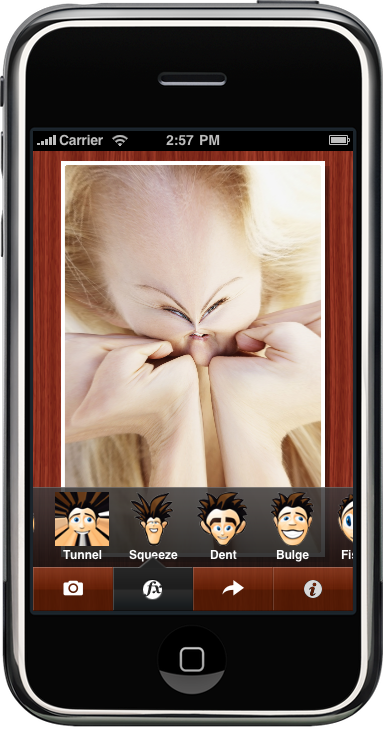
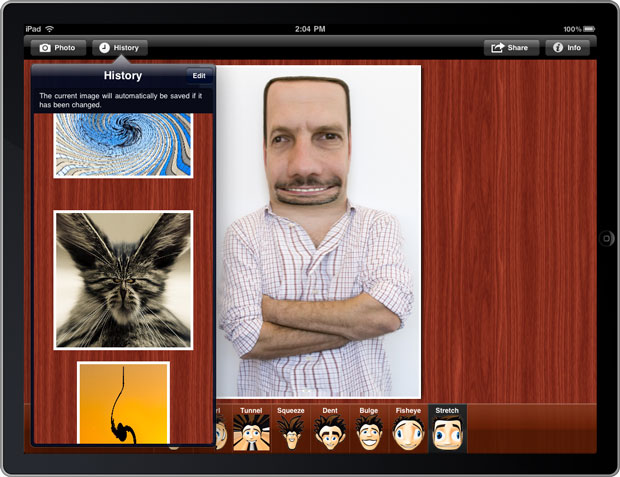
Update April 9, 2010: Chris has asked me in the comments to prepare a starting point for a universal app. Sure, no problem: UniversalViewBasedApp.zip is a very simple app that runs on iPhone and iPad. It contains separate NIBs for iPhone and iPad, and both version run on the same view controller code. To understand how the system knows which NIB files to load on which platform, see the NSMainNibFile and NSMainNibFile~ipad keys in the Info.plist. Here’s how I created the app:
- Create a standard view-based app for the iPhone using Xcode’s built-in project template.
- Choose
Project > Upgrade Target for iPad...and select the option to create a Universal app. - Open MainViewController.xib in Interface Builder, choose
File > Create iPad Versionand save the resulting NIB file as MainViewController-iPad.xib and add it to your project. - In MainWindow-iPad.xib, set MainViewController’s NIB name property to MainViewController-iPad.
Update April 13, 2010: Jim Dovey has discovered another solution that does not require adding the conditional compilation directives: build your app for the 3.2 Simulator SDK first, then switch your target to the 3.0 Simulator SDK, then run (don’t build).
Update May 5, 2010: Message from Ryan Stubblefield:
I created a universal app template that uses the most simple and precisely accurate device detection, and correctly uses the right app delegate, all in code, no NIBs. I found that all universal app work references using NIBs, and that wasn’t acceptable to me. The direct download of the universal app template project is:
clean_universal_app_template.zip
I’ve included the project in the GitHub repository of my iPhone utility lib.
It is an extremely lightweight lib that contains the most useful class extensions I’ve found, as well as a few custom controls and a couple sample app templates. I encourage you to take a look at it. I would welcome any usage and contributions.