I haven’t had the need to use a spreadsheet since I quit my job a few years ago, but after getting the iPad I wanted to try out Numbers and so I built a spreadsheet for tracking the 2010 World Cup yesterday. Inspired by Fraser Speirs, who published his World Cup Tracker Spreadsheet last week. Since Fraser’s version requires a little bit of manual effort (it doesn’t automatically determine the winners of the group stage), I thought I could do better and make it fully automatic. I hope you like it:
Download: World Cup 2010 Spreadsheet for Numbers (1.4 MB)
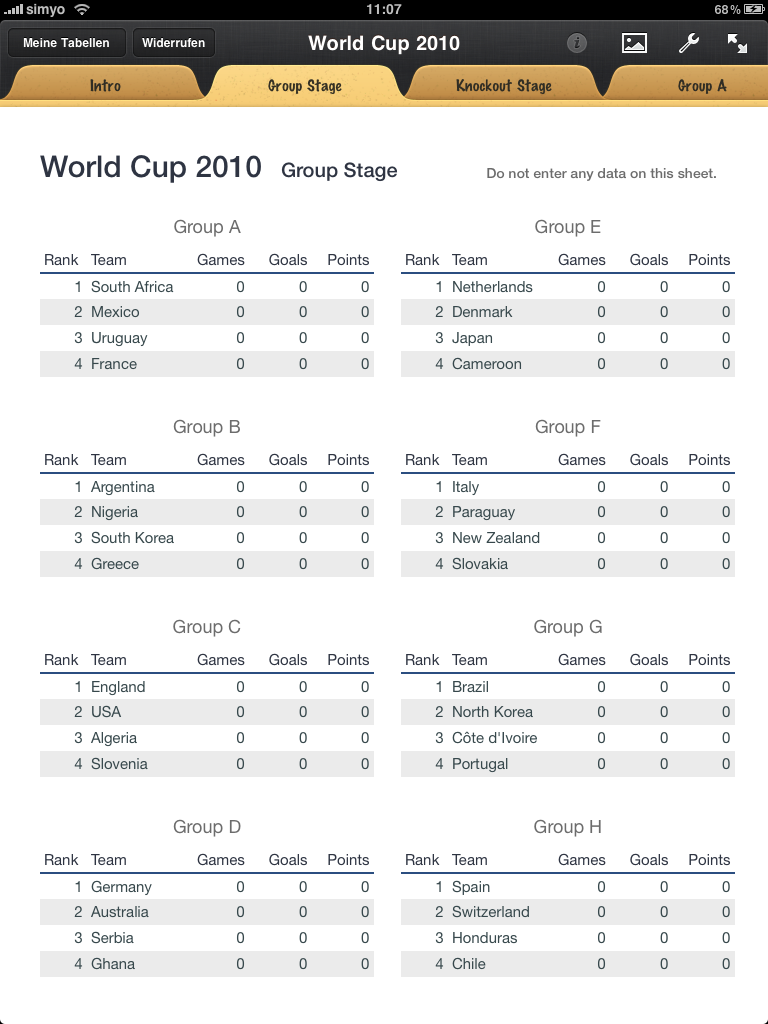
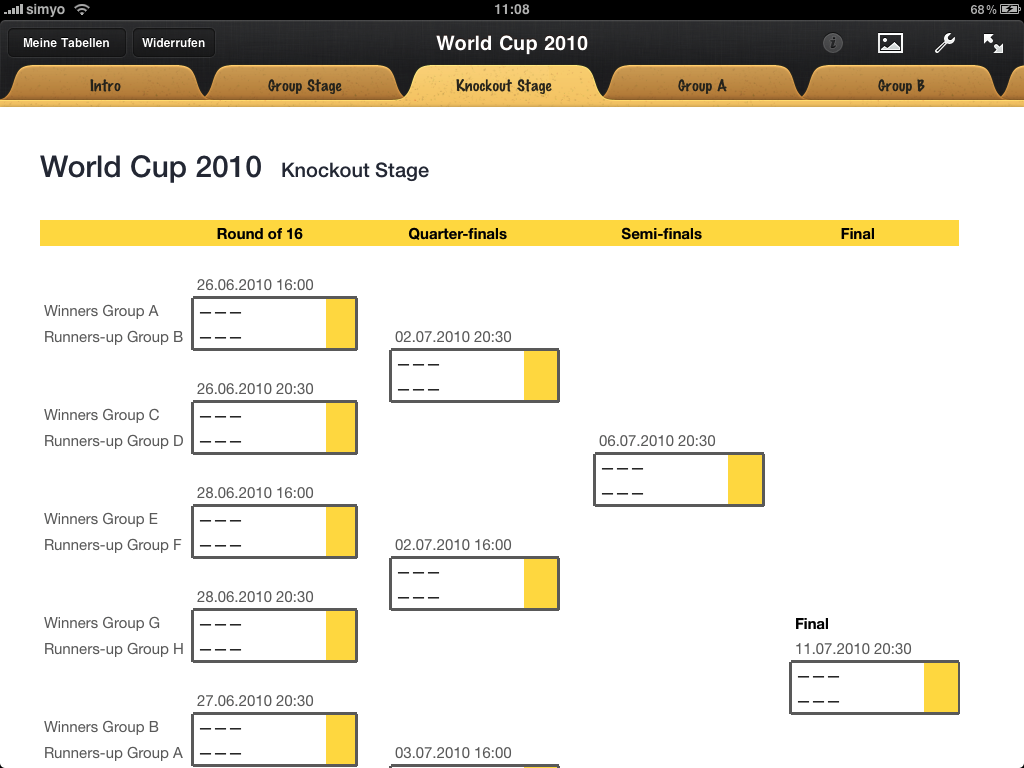
All you need to do is enter the scores for each on the fixtures sheets (one sheet per group) and, later, on the Knockout Stage sheet. The trickiest part of automating the calculation of the group rankings are the complicated tie-breaking criteria. To rank the teams, the spreadsheet considers the number of points, the goal difference, and the number of goals scored. If two or more teams are still tied on these criteria, the calculation will break. Let’s just hope that won’t happen. (FIFA then considers the match(es) between the teams to break the tie.)
(Beware: I haven’t tested the spreadsheet very thoroughly so there might well be some bugs in the formulas. If you find one, please tell me and I’ll fix it.)
Update June 7, 2010: There is a bug in the first version of the spreadsheet that results in a wrong team being selected for the seventh game in the Round of 16. Thanks to @galdo for pointing it out. The download link below points to a fixed version.
Update June 25, 2010: Now that the group stage is over I have updated the spreadsheet with the results of all the group stage games. If you download it now, you can dive right into the knockout stage.
Thoughts on Numbers on the iPad
We already know that the iPad is far more than a consumption-only device and that it has a lot of potential for content creation, as well. That said, it took me a lot longer to build this spreadsheet on the iPad than it would have with Excel or Numbers on a “real” computer. I spent about 4 hours to make this yesterday and I estimate that I could have gotten the same result in about 1 hour with a desktop app. I think the main reasons for this discrepancy are:
- The iPad’s smaller screen makes it harder to navigate and formatting your content takes more time as you always have to switch back and forth between your content and the inspector.
- The touch interface is just not as well suited to a spreadsheet app as mouse and keyboard (with powerful keyboard shortcuts) are.
- As amazing as it is how much functionality Apple managed to put into Numbers on the iPad, it does lack some key functionality (to me), namely multiple selections and the ability to move content between tables without breaking the references (dragging between tables does not work and cutting-and-pasting breaks the references).